
Ask and act
Use Navigator when you want to ask for PSA information, view dynamic data in the conversation, or request a change without moving through multiple screens.
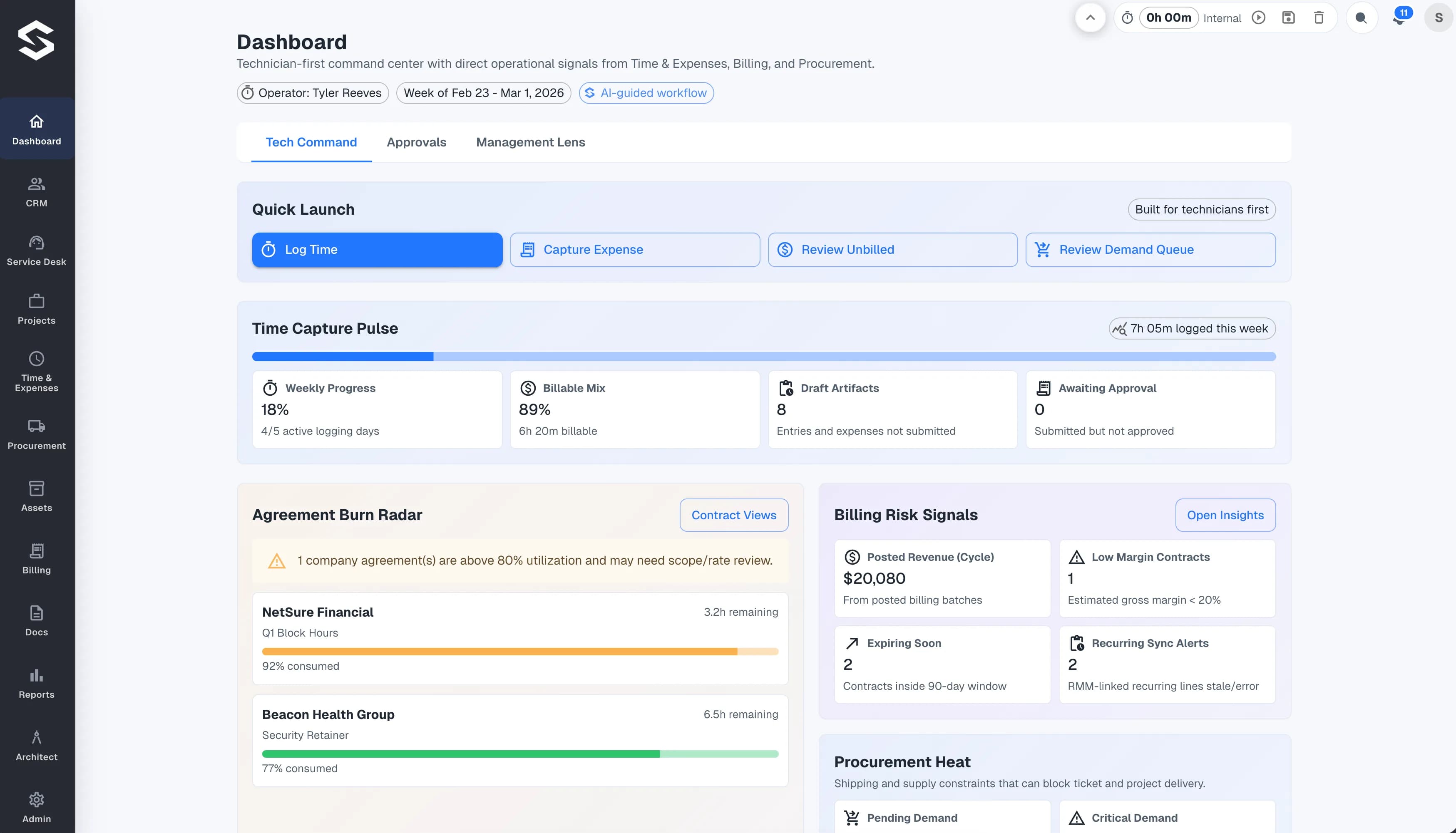
Start with the work you want to move, then explore the Stravere module designed for that operating need.
Stravere combines PSA work with a set of Agentic AI modules built around MSP operations. Each module supports a different way to interact with, organize, automate, or understand that work.
Navigator provides the conversational surface. Architect, Reports, Shift Coach, and Templates extend the platform across workflow design, operational analysis, prioritization, and reusable patterns.
This public guide covers product concepts. A Stravere walkthrough can address questions about your MSP's workflows and rollout.
Ask and act with Navigator. Prioritize with Shift Coach. Automate with Architect. Measure with Reports. Launch faster with Templates.
Work with the PSA through conversation. Ask for information, see dynamic data in the chat, and request changes without moving through modules and tabs.
Explore01Design and operate AI-powered workflows across the connected work of an MSP.
Explore02Ask operational questions, evaluate performance, and keep reporting connected to the same PSA context.
Explore03Surface the work that needs attention so technicians and operators can prioritize the next move.
Explore04Start workflow design from MSP-ready patterns instead of rebuilding common processes from scratch.
ExploreUse Navigator when you want to ask for PSA information, view dynamic data in the conversation, or request a change without moving through multiple screens.
Use Shift Coach to bring work that needs attention into view. Use Reports to examine operational performance in the same platform context.
Use a live walkthrough to connect the public product guide to the work your team handles every day.